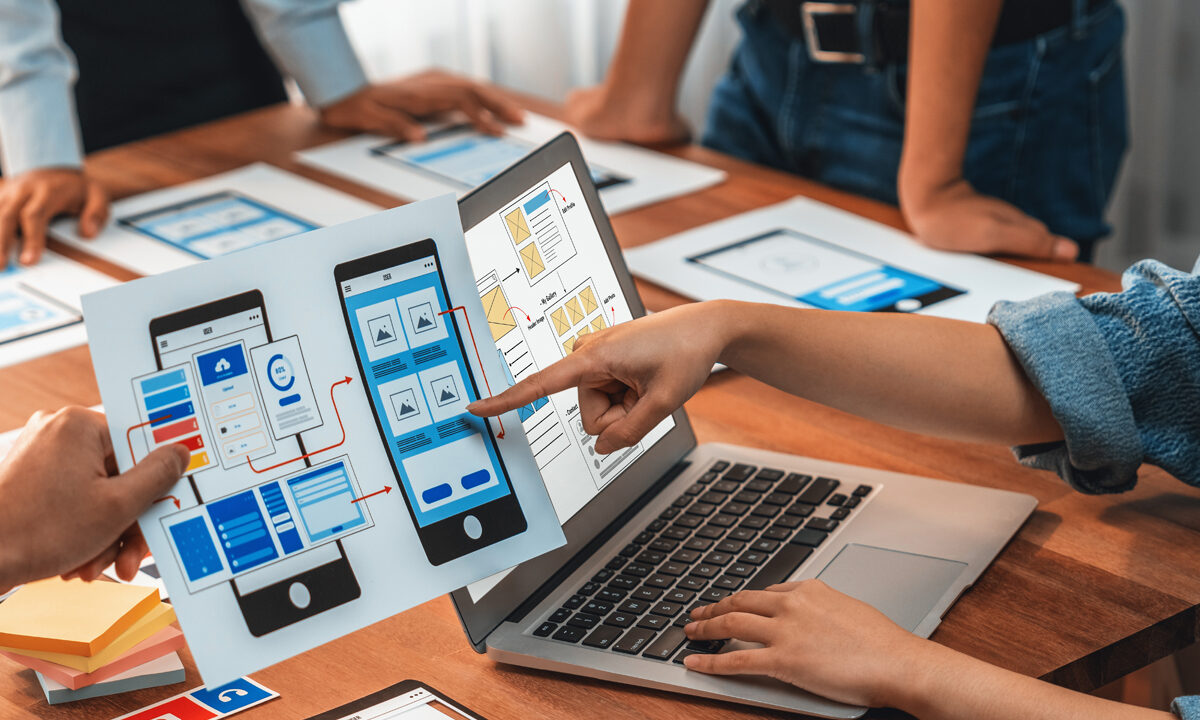


In the modern digital experience, first impressions matter more than ever.
Roberto Sanchez
In the modern digital experience, first impressions matter more than ever. Pages load in a flash, attention spans are short, and users decide within seconds whether to stay or leave. One of the unsung heroes of user engagement? Micro-interactions — small, purposeful moments of feedback and engagement that keep users engaged, intuitively guide behavior, and boost overall satisfaction.
What Are Micro-Interactions?
Micro-interactions are subtle, interactive design elements that respond to user actions. They are brief, subtle, and specific to one task — but they play a significant role in user experience. Examples include:
✅ Hover animations on buttons
✅ Inline form validation messages
✅ Loading progress indicators
✅ “Like” animations
✅ Contextual feedback after submitting content
These tiny moments communicate clarity, responsiveness, and personality — helping users feel in control and encouraging them to stay longer. (Nielsen Norman Group)

Why Micro-Interactions Matter for Bounce Rates?
Bounce rate measures the percentage of visitors who leave a website after viewing only one page. A high bounce rate often signals poor engagement, confusing design, or weak usability.
Micro-interactions help reduce bounce rates because they:
🔹 Provide instant feedback
🔹 Reduce cognitive load
🔹 Make tasks feel easy and intuitive
🔹 Reward exploration
🔹 Convey brand personality and trust
When users understand their actions produce results — even tiny ones — they’re more likely to engage, scroll, click, and convert. (Smashing Magazine)
How Micro-Interactions Enhance User Experience
Micro-interactions are crucial because they:
1. Build Clarity and Confidence
When a button changes color on hover or a form shows a green checkmark, users know they’re on the right track — and that reduces frustration.
2. Guide Without Interrupting
Subtle signals, such as progress steps or animations, guide users through processes without blocking their path.
3. Add Delight (and Brand Personality)
Small animation flourishes or sound cues can create a memorable experience that strengthens emotional connection to the brand.
4. Provide Feedback at the Right Moment
Users don’t have to guess whether something worked — micro-interactions provide reassurance instantly. (UX Planet)
Examples of Effective Micro-Interactions
Here are some smart places to use micro-interactions:
➡️ Navigation menus that animate as users hover
➡️ Form fields that validate in real time
➡️ Cart or save actions with confirmation animations
➡️ Progress indicators on long pages
➡️ Interactive feedback on scroll
These enhancements promote engagement and help guide users deeper into content or conversion paths.
Tips for Designing Micro-Interactions
🟡 Keep It Simple
Micro-interactions should feel intuitive — not distracting.
🟡 Be Consistent
Using consistent feedback patterns helps users learn and trust your UI.
🟡 Match Brand Tone
Make sure micro-interactions reflect your brand personality — playful, professional, bold, etc.
🟡 Measure Performance
Monitor changes in bounce rate, session duration, and conversions after implementation.
Magika Studios + Micro-Interaction Strategy
At Magika Studios, we design digital experiences with psychology, motion, and usability in mind. By integrating thoughtful micro-interactions into your web and digital products, we help:
🎯 Reduce bounce rates
🎯 Increase session duration
🎯 Strengthen user satisfaction
🎯 Reinforce brand perception
Micro-interactions may be small — but their impact on engagement and conversion can be significant.
Magika Studios + Micro-Interaction Strategy
In digital design, details matter. Micro-interactions turn static screens into interactive experiences. They create a sense of flow that keeps users exploring and builds lasting engagement.
If you want your website visitors to stay longer, feel more confident, and convert more frequently, the solution isn’t just better content — it’s better interaction.
Let Magika Studios help you design moments that matter.